
Commercial terms for South Africa
The approved South African model is 5% ex VAT, with payment processing included and no ticket issuing fees.
EventSuite gives South African organisers a branded ticket-buying journey, ZAR sales, Peach payment processing and connected admissions. Ticketing remains the source for prices, availability, checkout and guest records from launch through show day.
Illustrative product view · Example data
South Africa event ticketing
Events
12
This week
Tickets
18.6k
+18%
Staff
1,248
On shift
Access
5,731
Active
Connected workflows
EventSuite ticketing helps South African promoters, venues, schools, clubs, festivals and event teams sell tickets in rand while keeping control of their brand and customer relationship. The same ticketing record supports order management, ticket delivery, QR admissions, online guest recovery and reporting. Complex formats such as reserved seating, camping, parking, add-ons and onsite sales are available only for selected, reviewed configurations.
The approved South African model is 5% ex VAT, with payment processing included and no ticket issuing fees.
Peach supports the approved South African payment flow. Refunds are handled through an operator-assisted process rather than universal automatic reversal.
Keep orders, guest records, QR admissions and event operations connected instead of moving gate teams onto exported lists.
The local commercial model is explicit, while configuration-dependent formats remain clearly bounded.
Ticketing is sold in ZAR under a 5% ex VAT model. Payment processing is included and there are no ticket issuing fees.
Peach is the approved local payment context. Refunds are operator-assisted; they are not presented as universally automated.
Ticket tiers, order and guest records, delivery, QR validation and online guest recovery use connected ticketing workflows.
Reserved seating, camping, parking, extras, bundles and onsite sales require event-specific product and fulfilment review.
A useful ticketing decision covers the payment flow, total fee model, guest ownership and how admissions work when doors open.
Use the South African pricing source for the approved 5% ex VAT model, including processing and no ticket issuing fees.
Your event remains branded around your organiser journey, with guest and order records available to your team.
Admissions teams use connected order lookup, manual check-in and supervisor controls while online.
Seating, camping, parking, add-ons, bundles and onsite-sales requirements are scoped before they are promised.
Core product capabilities for planning, delivery, and reporting.
Configure general admission, ticket tiers, timed entry and supported sessions with Peach payment processing. EventSuite ticketing controls live prices and availability.
Use supported multi-day and session formats. Reserved seating, camping, parking, add-ons and bundled entitlements require a selected event and fulfilment configuration.
Keep buyer details, ticket delivery, order lookup and operator-assisted reissues together. Peach refunds require operator assistance.
Validate QR tickets, look up orders, complete manual check-in and use supervisor controls on enabled events. Network connectivity is required.
Review ZAR sales, refunds and check-in activity together. Advanced settlement and dashboard views remain configuration-dependent.
Practical steps teams take before, during, and after live delivery.
Define ZAR pricing, capacity, buyer fields and the supported payment flow before tickets go live.
Align guest lists, scan rules, lanes and online recovery steps with the same order record.
Scan tickets, look up guests and escalate exceptions using enabled supervisor controls. Selected onsite sales require an approved configuration.
Bring sales, refunds and check-in outcomes together for the organiser and finance handoff.
Commercial decisions should use the dedicated South African pricing source rather than global assumptions.
The approved South African platform fee is 5% ex VAT, with payment processing included.
The approved model does not add a separate ticket issuing fee.
Peach refunds follow an operator-assisted workflow. Do not plan around universal automatic refunds.
South African gate teams can work from connected orders and guest records while network connectivity is available.
Validate issued tickets and keep check-in status connected to the ticketing record. Network connectivity is required.
Use order lookup, manual check-in, operator-assisted reissues and supervisor controls for enabled events.
Walk-up and onsite-sales tools are available only for selected event and operator configurations.
Use EventSuite, Quicket, Howler and Ticketpro comparisons to ask the same factual questions about payments, fees, guest ownership, admissions and event operations.
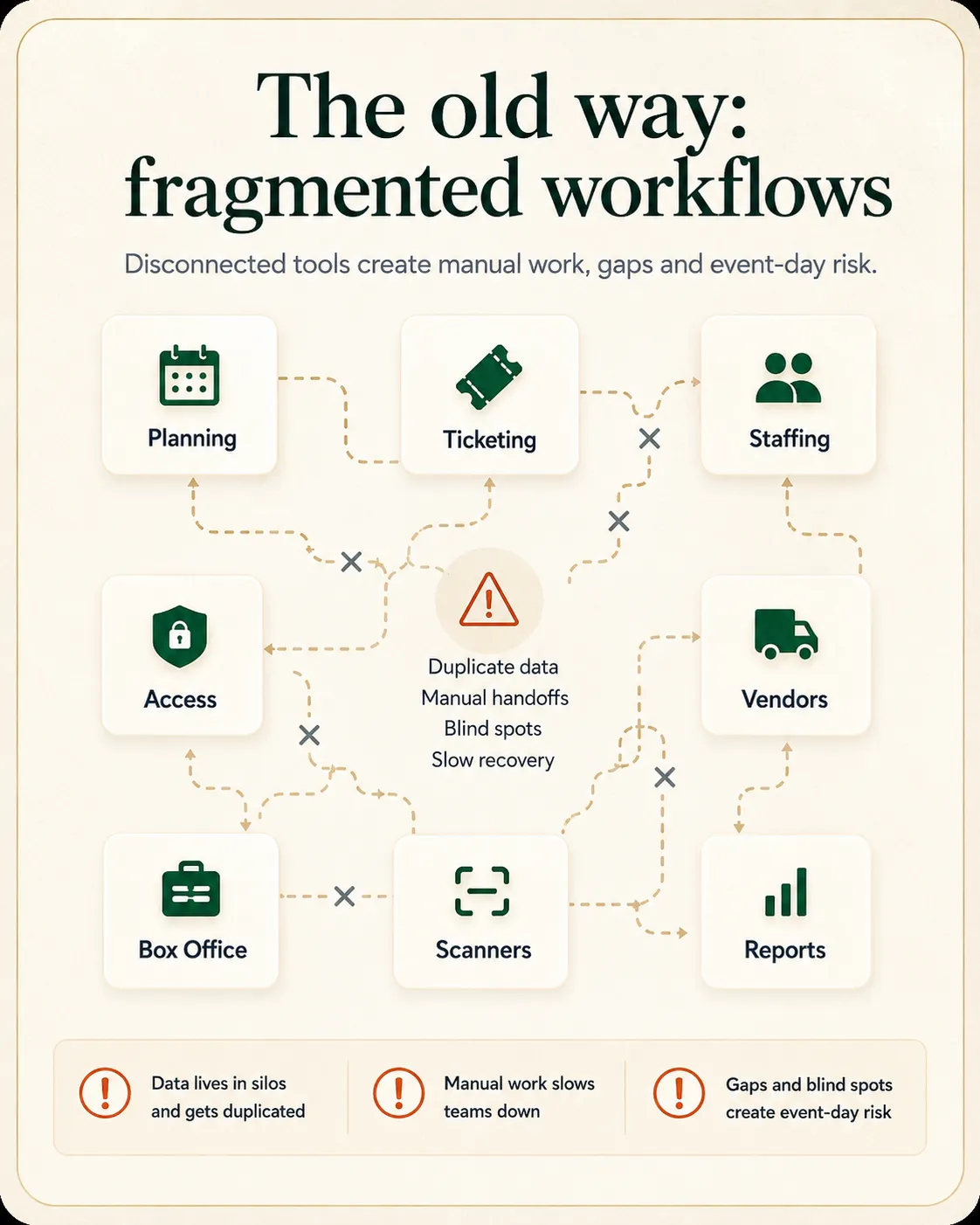
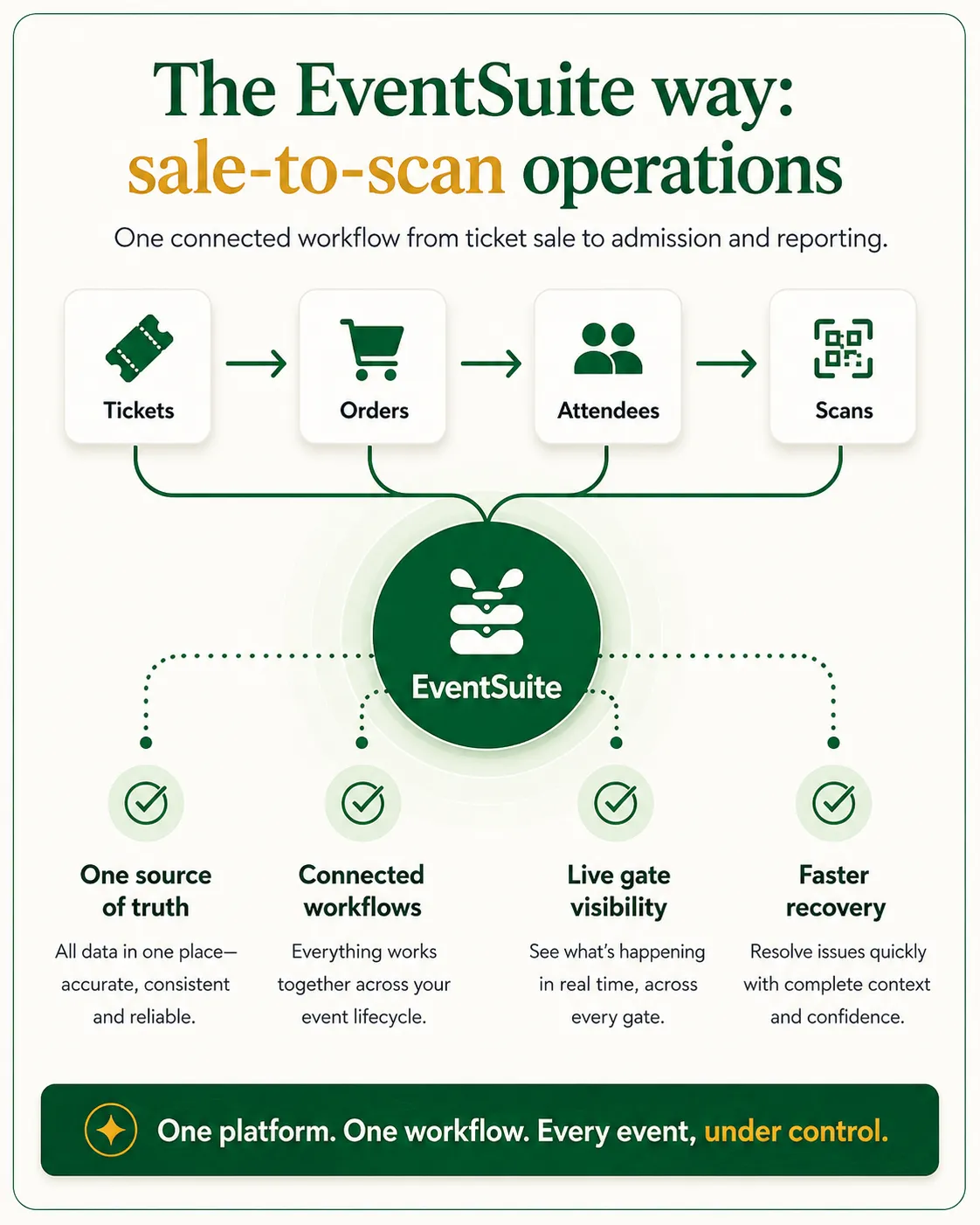
Built for teams running live events with connected sales, delivery, and reporting needs.
Keep releases, ZAR sales and admissions connected across single-day and supported multi-day formats.
Give front-of-house and volunteer teams clearer guest and order context for recurring events.
Scope supported sessions, camping, parking and add-ons without treating every format as universal.
Use local comparisons for commercial context, then use global workflow pages where no South African equivalent exists.
Compare organiser control, admissions and current commercial terms.
ExploreReview ticketing, event-day workflow and supported configuration differences.
ExploreEvaluate organiser-owned sales and connected event operations.
ExplorePlan lanes, online validation and guest recovery for show day.
ExploreReview the global product authority without South African commercial context.
ExploreContinue with the workflows most relevant to this product.
Festival ticketing management software
Evaluate festival ticketing where gates, campsites, vendors, and site teams need to stay aligned.
Conference registration management software
Focus on registration tiers, check-in, sponsor allocations, and delegate reporting.
Event accreditation system
Connect public ticket demand with credentials for staff, vendors, media, and contractors.
Event analytics platform
Connect ticketing and admissions to reporting after launch.
Practical checklists and guides that support ticketing, ingress, and event-day operations.
Ticketing and registration resources
Browse checklists, guides, and templates for gate and admissions teams.
Resource hub
Ticketing vs RSVP software
Compare paid ticketing and RSVP workflows for inventory, scanning, and gate access.
Comparison
RSVP vs ticketing vs registration software
Decision guide for delegate forms, paid tiers, badges, check-in, and reporting.
Comparison
Designing high-throughput ingress for live events
Gate lanes, QR validation, peak arrivals, and admissions handoff for show day.
Article
Event operations checklist
Operational readiness checklist for ticketing, access control, and event-day delivery.
Checklist
Yes. The approved South African ticketing model uses ZAR pricing and Peach payment processing.
The approved model is 5% ex VAT, with payment processing included and no ticket issuing fees. Review the current South African pricing page before launch.
Peach refunds are operator-assisted. EventSuite does not describe Peach refunds as universally automated.
EventSuite supports organiser-owned sales through your event channels, with your team retaining access to order and guest records.
No. QR validation and online guest-recovery workflows require network connectivity.
No. Reserved seating, camping, parking, add-ons, bundles and onsite-sales tools are available only for selected, reviewed configurations.
Ticketing remains authoritative for prices, availability, checkout, orders and admissions. Event Growth Studio creates the complete event guide, multilingual visitor content, structured event information and discoverability layer. It does not process ticket transactions.
Use this page for ZAR, Peach, VAT and South African comparison context. Use the global page for the shared product model and markets without an approved local commercial page.
Discuss your event format, Peach payment flow, admissions plan and configuration-dependent requirements before launch.